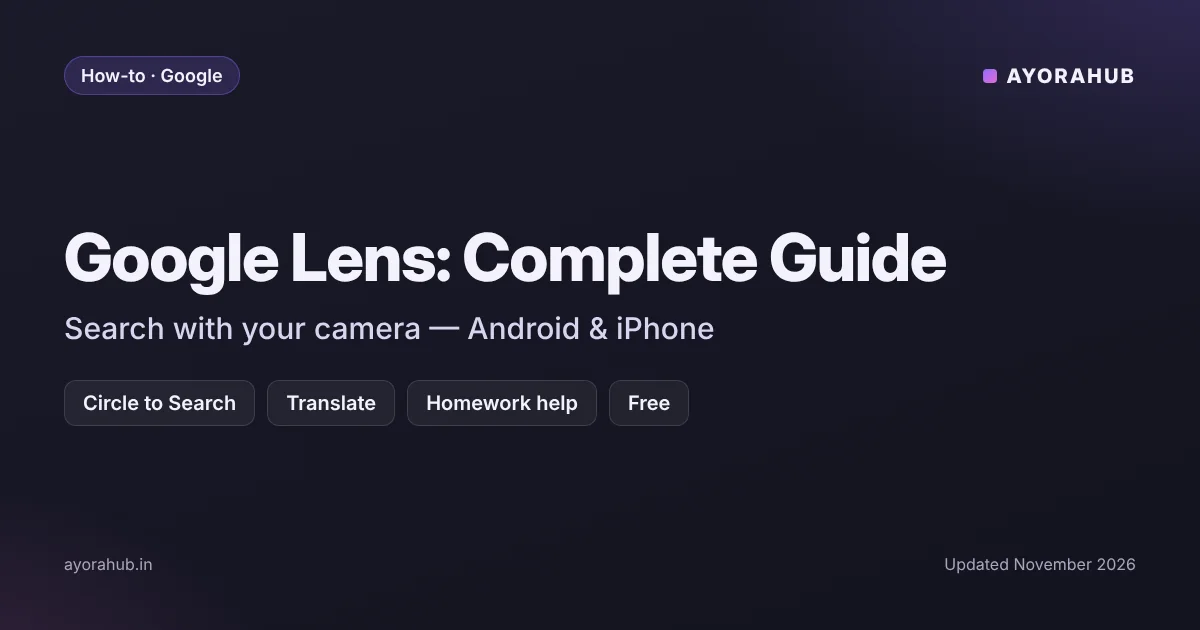
Quick answer: Google Lens lets you search with your camera or any image instead of typing. Point it at a plant, a product, a maths problem, a sign in another language or a screenshot, and Google shows matching results, translations or explanations. On Android you can also use Circle to Search to search anything on your screen. Google says Lens handles more than 25 billion visual searches a month, and it is free.
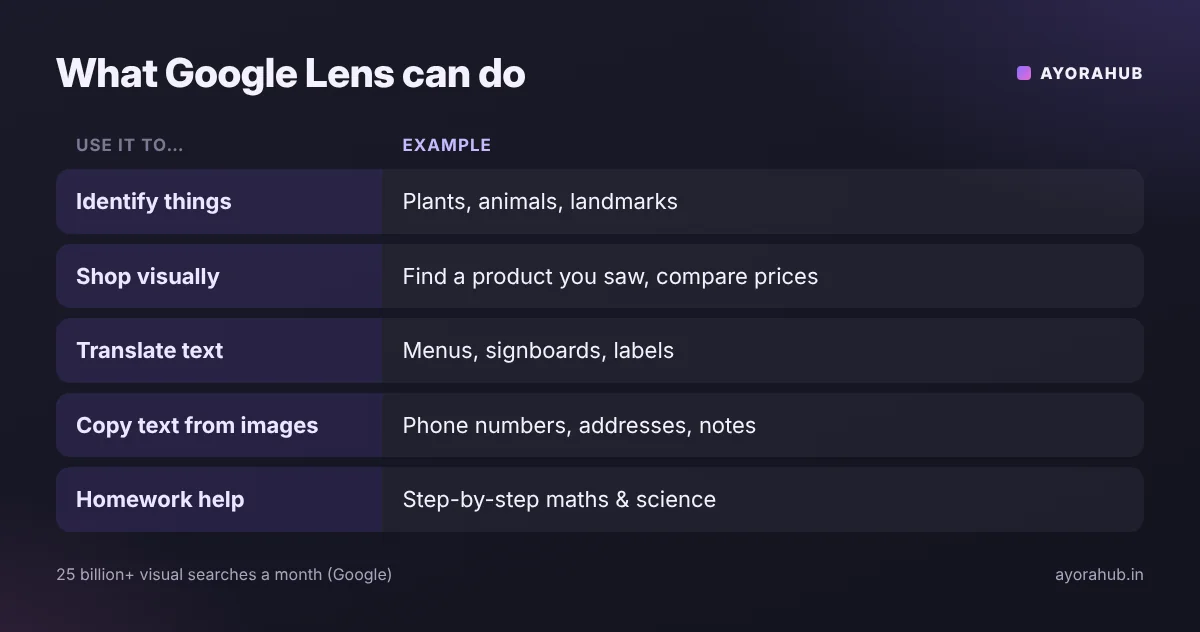
What can Google Lens do?
| Use it to… | Example |
|---|---|
| Identify things | Plants, animals, landmarks, buildings |
| Shop visually | Find a pair of shoes or a lamp you saw, and compare prices |
| Translate text | Menus, signboards, labels — translated on screen |
| Copy text from images | Copy a phone number, address or paragraph from a photo |
| Get homework help | Snap a maths or science question for step-by-step explanations |
| Ask follow-up questions | Use AI Mode to ask about what’s in the picture |
How to use Google Lens on Android
- Google app: open the Google app and tap the Lens (camera) icon in the search bar.
- Circle to Search: on supported phones, long-press the home button or navigation bar, then circle, highlight or tap anything on screen.
- Camera app: many Android phones include a Lens shortcut in the camera.
- Google Photos: open any photo and tap the Lens button to search it.
How to use Google Lens on iPhone
- Install the Google app from the App Store.
- Tap the Lens icon in the search bar.
- Point your camera at something, or choose a photo or screenshot from your gallery.
What’s new in Google Lens in 2026
Circle to Search looks at the whole image
Since 26 February 2026, Circle to Search analyses the entire image rather than only the area you circle, and it can handle several objects in one image (as reported).
Lens + Gemini in AI Mode
In Google’s AI Mode, Lens and Gemini work together to understand objects, their details and how they relate in a scene. You can ask follow-ups such as “show me more options like the second one”.
Search Live with your camera
Search Live lets you point your camera and talk to Google about what it sees. Google expanded it to more than 200 countries and territories in March 2026 (as reported).

Google Lens for students: homework help done right
Lens can explain maths and science questions step by step, which is useful for checking your method. To actually learn:
- Try the problem first, then use Lens to check your steps.
- Ask “why” in AI Mode when a step is unclear.
- Do not submit Lens or AI answers as your own work.
More study tools: best AI tools for students in India.
Google Lens vs Gemini vs ChatGPT for images
| Google Lens | Gemini | ChatGPT | |
|---|---|---|---|
| Best for | Finding products, places and matching images on the web | Explaining an image, Google app integration | Explaining and working with images in a chat |
| Live camera | Yes (Search Live) | Yes (Gemini Live) | Yes (voice mode with camera, where available) |
| Price | Free | Free; paid plans from ₹399 | Free; paid plans from ₹399 |
Learn more about Google Gemini and ChatGPT, or compare them in ChatGPT vs Gemini.
Privacy tips
- Avoid scanning documents with personal details such as Aadhaar, PAN or bank statements.
- Your Lens activity can be saved to your Google account; review it under Google’s My Activity settings.
- For medical or safety questions, treat Lens results as a starting point, not a final answer.
Frequently Asked Questions
Is Google Lens free?
Yes. Google Lens is free in the Google app on Android and iPhone.
How do I open Google Lens?
Tap the Lens (camera) icon in the Google app’s search bar. On supported Android phones, you can also use Circle to Search by long-pressing the home button or navigation bar.
Can Google Lens solve maths problems?
Yes. Lens can show step-by-step explanations for many maths and science questions. Use it to check your work.
Does Google Lens work on iPhone?
Yes, through the Google app.
Can Google Lens translate Hindi?
Lens can translate text in many languages, including Hindi, by pointing your camera at the text.
How we researched this
We combined Google’s own statements about Lens and AI Mode with 2026 coverage of new features such as whole-image Circle to Search and Search Live. Feature availability varies by country, device and language, and some third-party reports differed on dates; we note “as reported” where we could not confirm details on Google’s own pages.